My NixOS configuration😃
| docs | ||
| helper | ||
| home | ||
| options | ||
| pkgs | ||
| system | ||
| .gitignore | ||
| .sops.yaml | ||
| flake.lock | ||
| flake.nix | ||
| preview.png | ||
| README.md | ||


🚀 NixOS With Hyprland
📷 Preview
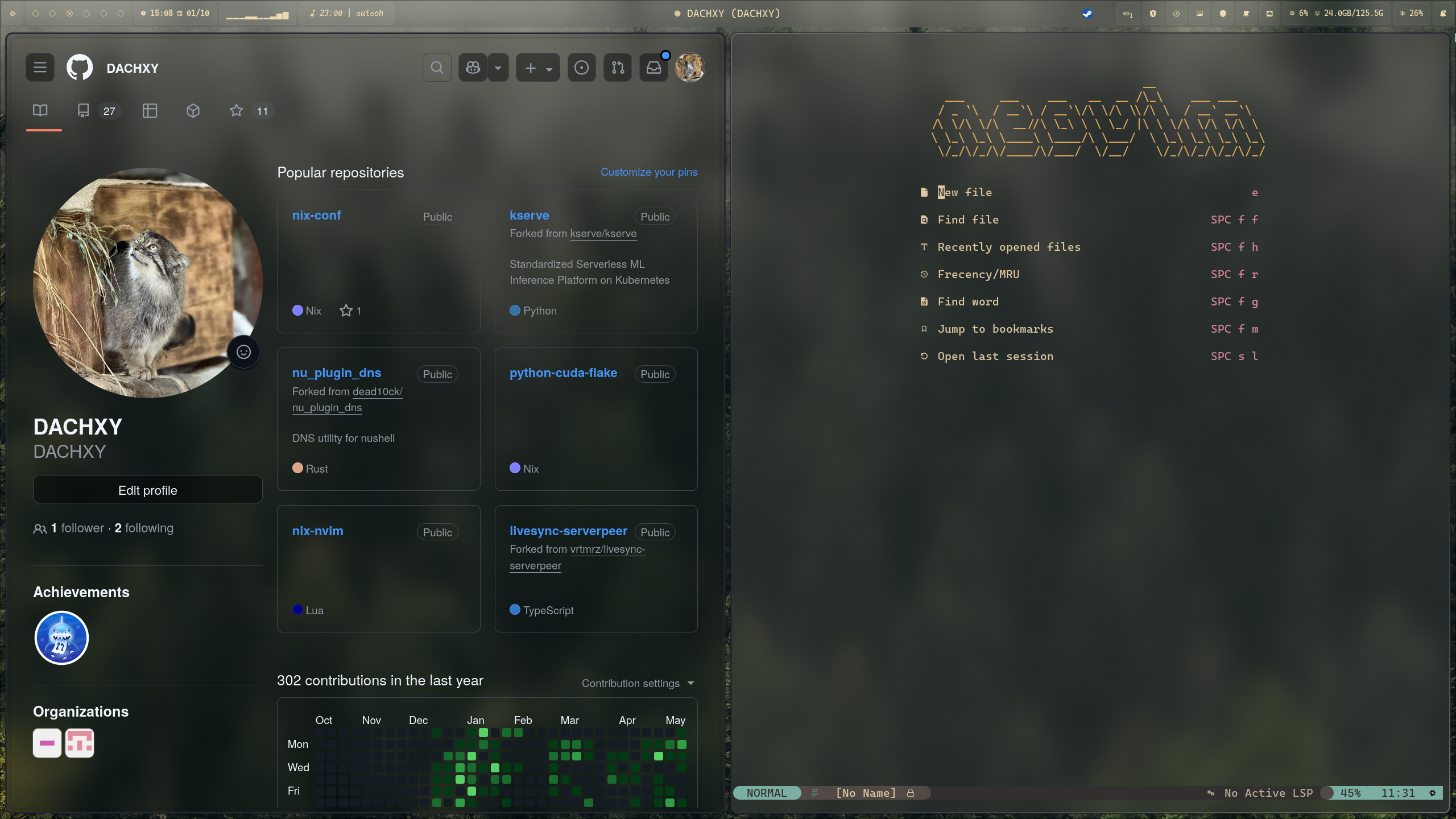
✨ Main Applications
- Hyprland
- NVF
- Waybar
- Hyprlock
- Hypridle
- Zen Browser
- Swaync (Notification Center)
- Awww (Wallpaper)
- Ghostty (Terminal)
- SDDM (Display Manager)
- Fish (shell)
- Rofi (Application Launcher)
- Stylix
Manuals
🎮️ Game
- Steam
- Xbox wireless controller
🧠 Virtualization
- Virt Manager (libvirt)
- Windows 11 example config: win11_kvm.xml
⌨️ Input (Fcitx5)
- Rime (bopomofo, pinyin)
- Mozc (Japanese)
🌐 VPN
- Wireguard (You need put your own
wg0.confin sops file) .
NOTE: If import
wireguard.nixwithout config file, the Build will fail.
🧊 CUDA
💿️ Installation
Your need to add your own device in flake.nix, and create configuration in system/dev (don't forget the
hardware-configuration.nixgenerated withnixos-generate-config)
Example
system/dev/
├── <your-device-name>
    ├── boot.nix # You can add extra boot options here
    ├── default.nix # Import modules you need
    └── hardware-configuration.nix # Your hardware configuration
flake.nix
nixosConfigurations = {
  <your-device-name> = nixpkgs.lib.nixosSystem {
    modules = [
      nix-index-database.nixosModules.nix-index
      ./system/dev/<your-device-name>
    ];
    specialArgs = {
      inherit inputs system nix-version;
    };
  };
};
❄️ Flake
home manager is configured to rebuild with NixOS
OS Install
nixos-install --flake .#<your device name>
Rebuild Switch
nixos-rebuild switch --flake .#<your device name>